
Overview
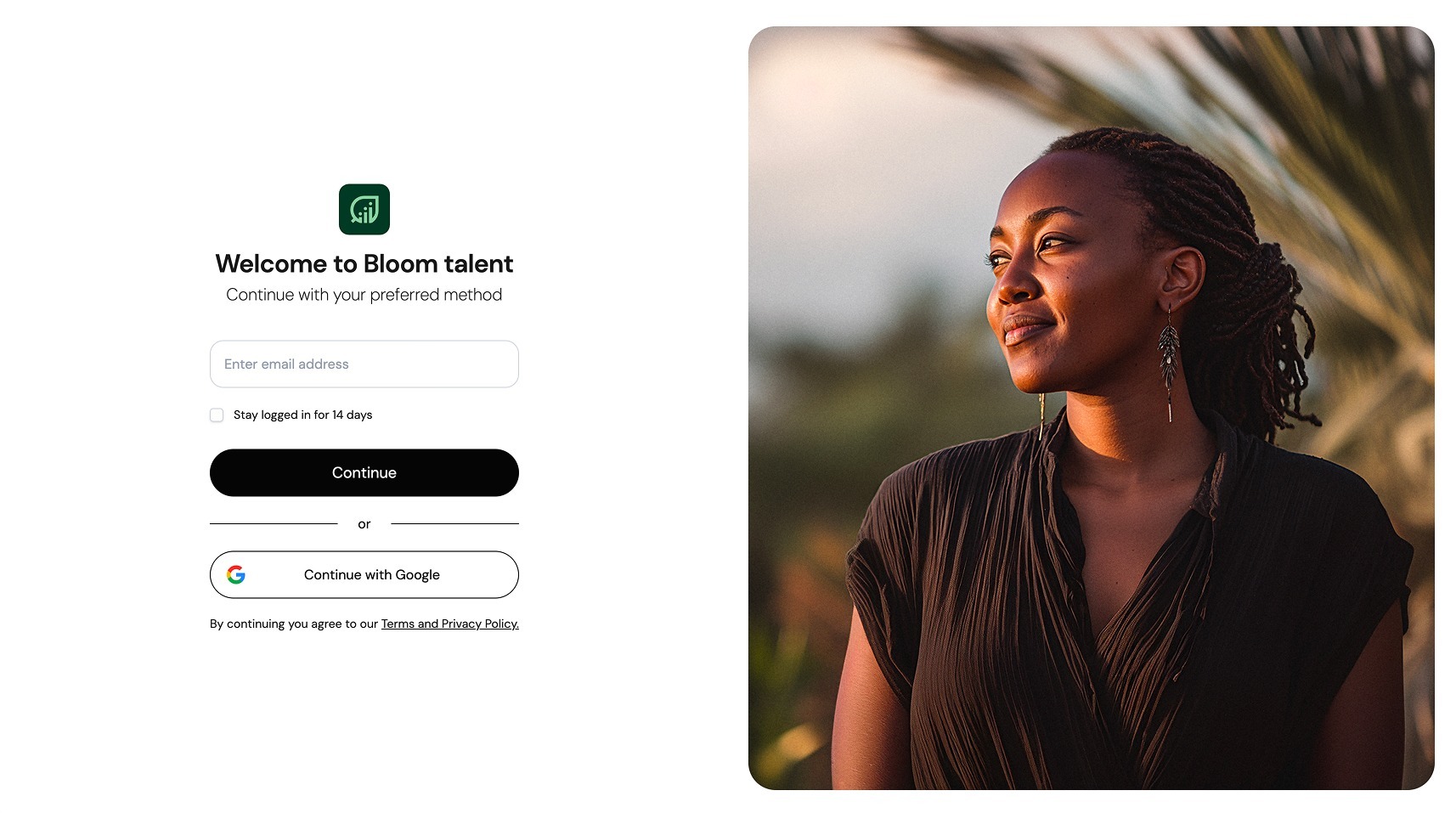
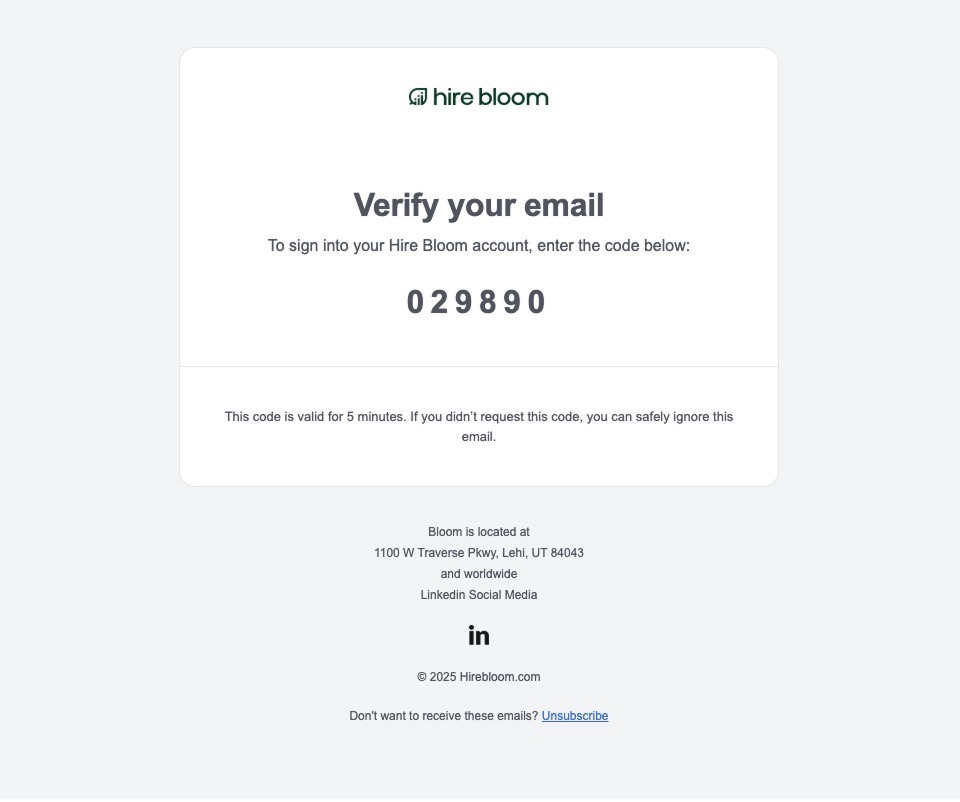
HireBloom uses a passwordless login system. Instead of a password, you verify your account with a code sent to your email each time you log in.
How to Log In
- Navigate to https://portal.hirebloom.com.
- Enter your registered business email address on the login screen.
- Click Continue.
- Check your email inbox immediately for a unique 6-digit verification code.
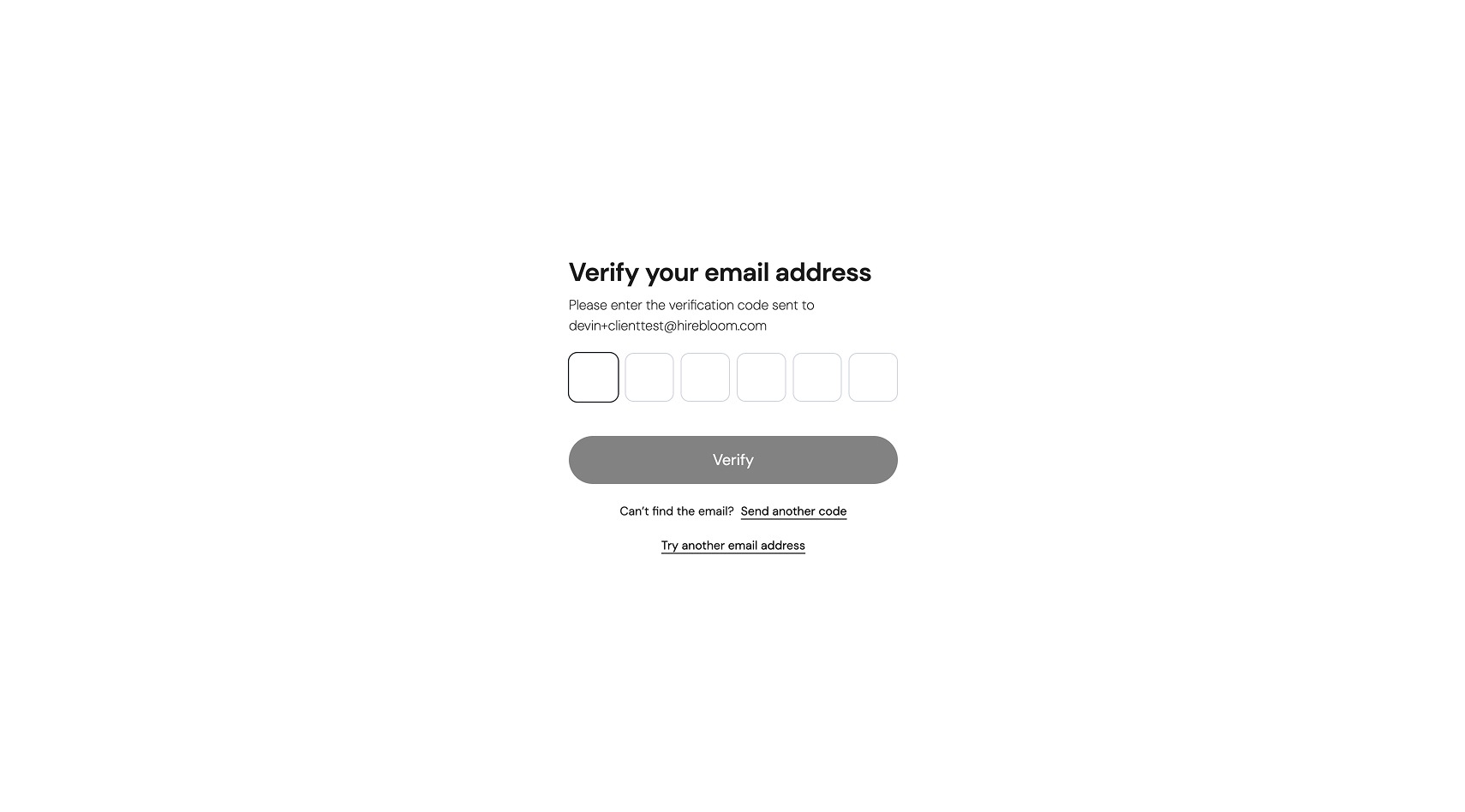
- Enter the code into the verification fields on your screen and click Verify login code.
📬 Troubleshooting Your Login Code
Check Your Spam Folder: If the verification code email does not arrive in your primary inbox within a few moments, please check your spam or junk folder. *
Verify Your Email Input: Ensure that the email address you typed exactly matches the registered account email associated with your organization.
Request a Resend: If you encounter technical delays, you can request a new code directly from the interface after 30 seconds.