Overview
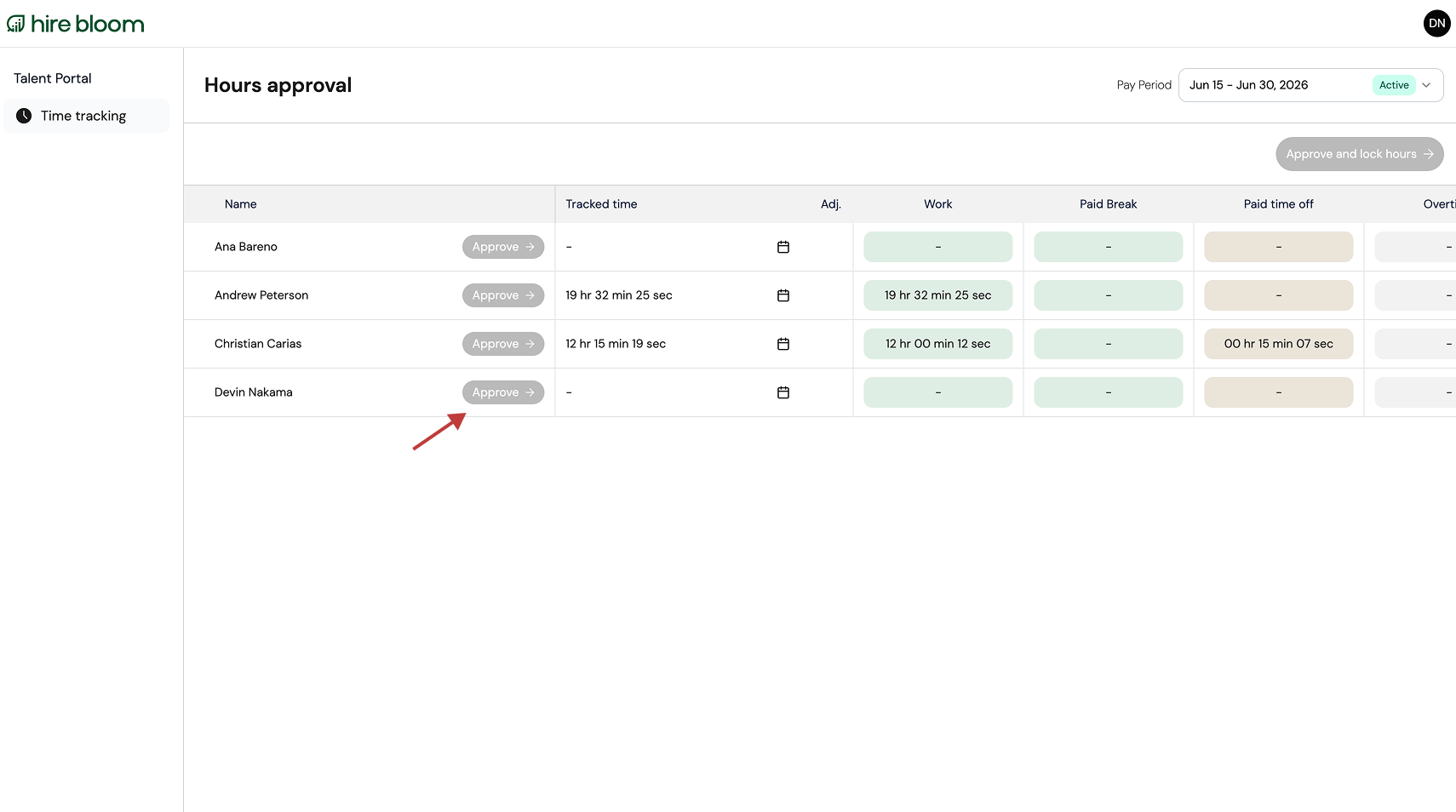
If the green "Approve" button on your Hours approval dashboard is unclickable, you are viewing a pay period outside the approval window. This restriction protects payroll data and prevents accidental changes.
Depending on the selected pay period, the button is disabled for one of two reasons:
1. Too Early (Active Pay Period)
If the pay period is still active, team members are still able to log hours and make changes. The button will automatically enable once the pay period officially closes.
2. Too Late (Past and Locked)
If the submission deadline has passed, these hours are finalized and locked for payroll processing. Please contact the HireBloom support team for any requested adjustments.